Cloud Backup vs External Hard Drive: What Should You Know?
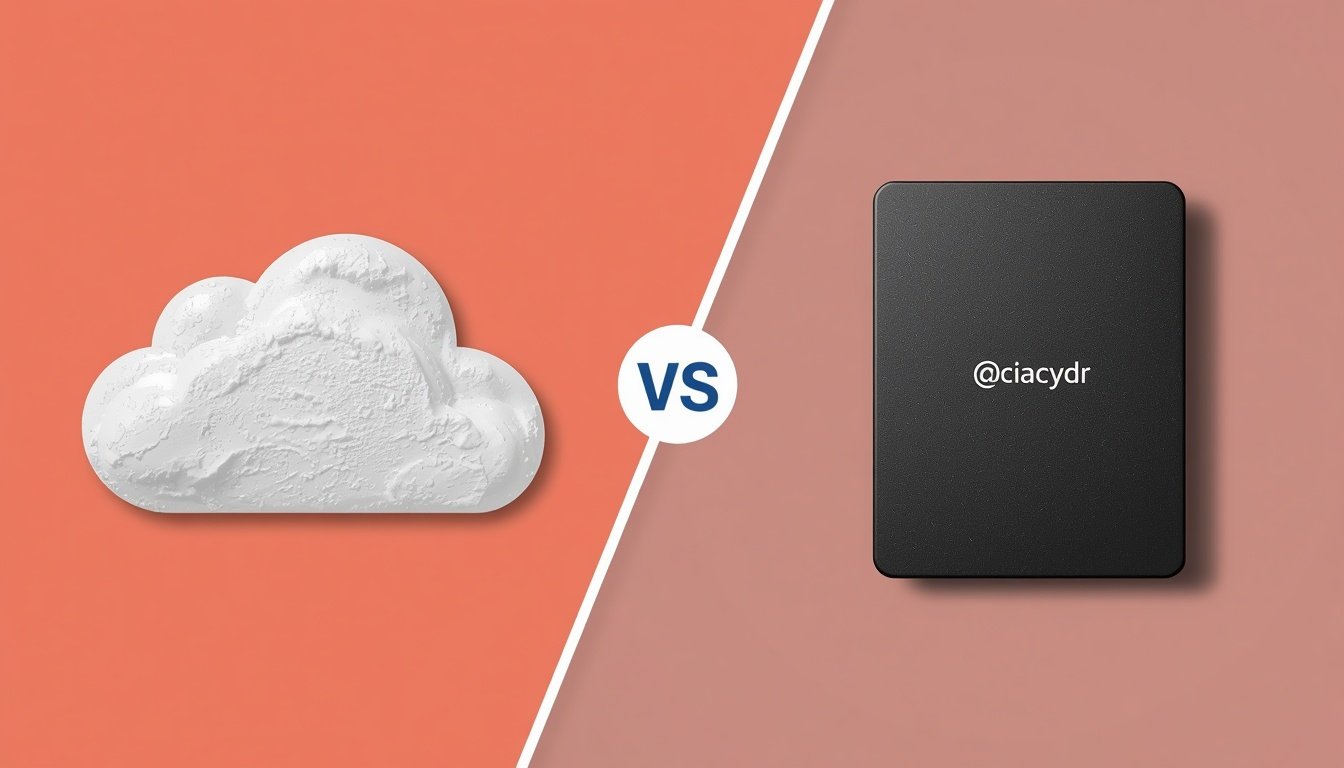
Choosing between a cloud backup vs external hard drive is a fundamental decision for anyone looking to secure their digital life. While both methods serve the same primary purpose of keeping your data safe, they operate in entirely different ways that impact your workflow, security, and long-term costs.
Understanding which one fits your specific needs often comes down to how you interact with your files on a daily basis. By comparing the convenience of remote accessibility with the physical control provided by local hardware, you can make an informed choice that ensures your important information remains protected against unexpected hardware failures or accidental deletions.
When considering the debate of cloud backup vs external hard drive, the most immediate answer is that you shouldn’t choose just one. For the highest level of security, you should implement the 3-2-1 backup rule. This means having three copies of your data, stored on two different types of media, with one copy kept in an off-site location.
Relying solely on an external hard drive leaves your data vulnerable to physical disasters like fire, theft, or simple hardware failure. Conversely, relying only on the cloud means you are dependent on your internet connection and the service provider’s uptime. Combining both gives you the physical control of a local drive and the geographic redundancy of the cloud.
The Mechanics of Local Storage
An external hard drive provides a direct, physical connection to your computer. When you plug it in, you are essentially creating a local silo for your data that exists entirely outside the reach of the internet.
This setup is ideal for massive file transfers because you aren’t limited by your network’s upload speed. If you work with large video files or high-resolution photography, an external drive allows you to move terabytes of data in a fraction of the time it would take to upload them to a server.
Physical drives are typically a one-time purchase. Unlike cloud services that require a recurring monthly or annual fee, you pay for the hardware once and can use it for years. This makes them a cost-effective solution for long-term archiving of files that you do not need to access every single day.
However, you must manage the hardware yourself. If the drive is dropped, exposed to moisture, or suffers from a mechanical failure, recovering the data can be an expensive and uncertain process.
Understanding Remote Cloud Solutions
Cloud storage moves your files from your desk to a massive, secure data center managed by a service provider. The primary advantage here is accessibility.
Because your data lives on a server, you can reach it from any device with an internet connection, whether you are at home, in the office, or traveling abroad. This flexibility is essential for anyone who switches between a laptop, a tablet, and a smartphone during their daily routine.
Security in the cloud is often more robust than what an individual can manage at home. Major providers invest millions into encryption, redundant server arrays, and physical security measures that prevent unauthorized access. Even if your home is destroyed, your files remain safe and accessible from a new device.
The trade-off is the loss of total control. You are trusting a third party with your personal or business information, and if you lose your internet connection, your files are effectively locked away until you are back online.
Comparing Costs and Long-Term Value
The financial models for these two options are distinct. An external hard drive is a capital expenditure, while cloud storage is an operating expense.
If you buy a 4TB drive for $100, that is your total cost until the drive fails. Cloud services, however, often charge between $5 and $20 per month depending on the storage tier, which can add up to hundreds of dollars over several years.
| Feature | External Hard Drive | Cloud Backup |
|---|---|---|
| Initial Cost | Moderate (One-time) | Low (Subscription) |
| Long-term Cost | Minimal | High (Recurring) |
| Speed | Very Fast | Dependent on Internet |
| Accessibility | Physical access only | Anywhere with Internet |
| Disaster Recovery | Vulnerable to local events | Highly resilient |
Performance and Connectivity Requirements
Your internet speed acts as the bottleneck for any cloud-based strategy. Uploading hundreds of gigabytes of data to the cloud can take days on a standard residential connection.
If your ISP has data caps, backing up your entire system to the cloud might trigger expensive overage fees or bandwidth throttling. This is why many people use the cloud primarily for documents and smaller project files while keeping massive media libraries on external drives.
Hard drives are not perfect, though. They require you to be disciplined about performing manual backups. If you forget to plug in your drive for a month, that month’s worth of new work is completely unprotected.
Cloud services often run in the background, continuously syncing your changes without you having to lift a finger. This automated nature makes cloud backup a superior choice for users who struggle with the manual labor of maintaining local backups.
Security and Privacy Considerations
Data privacy is a major concern when choosing where to store sensitive information. When you use an external drive, your data is encrypted only if you take the time to set up software like BitLocker or FileVault.
Once you do that, the data is entirely under your control. No company can scan your files, and no hackers can intercept your data over a network.
Cloud providers offer a different kind of security. They use sophisticated encryption protocols that protect your data while it is in transit and while it sits on their servers. However, you are still subject to the terms of service of the provider.
It is important to research whether your chosen provider offers end-to-end encryption, which ensures that only you hold the keys to your data. The National Institute of Standards and Technology provides extensive resources on how to evaluate security frameworks for digital storage.
Managing Your Backup Strategy
Creating a strategy involves categorizing your files based on importance and access frequency. You might choose to keep your tax documents and family photos in both the cloud and on an external drive.
Less critical files, such as old downloads or temporary project drafts, might only live on a local drive. By segmenting your data, you avoid paying for massive amounts of unnecessary cloud space while still ensuring your most precious files are protected.
* Identify critical files: Prioritize photos, legal documents, and personal projects.
* Automate the process: Use software to schedule regular backups to your external drive.
* Check for redundancy: Ensure that at least one backup copy is physically stored in a different location.
* Test recovery: Periodically try to restore a file from your backup to ensure the system actually works.
* Evaluate storage needs: Upgrade your storage capacity before you run out of space to avoid gaps in your backup history.
Addressing Potential Failures
All storage media eventually fails. Mechanical hard drives have moving parts that wear out over time, usually within three to five years of heavy use.
Solid-state drives are more durable but can still suffer from electrical failures or controller issues. When a drive fails, the cost of professional data recovery can reach into the thousands of dollars, often with no guarantee of success.
Cloud providers face different risks. While they have massive redundancy, they can still experience outages or account closures. If you violate a provider’s terms of service or fail to pay your bill, you could lose access to your data indefinitely.
The lesson here is to never trust a single point of failure. By diversifying your storage methods, you mitigate the risk of losing everything to a single event, whether it is a spilled cup of coffee or a server-side glitch at a major tech company.
Common Questions About Backup Solutions
Is it possible to use a cloud service as a primary drive?
Yes, services like iCloud, OneDrive, and Google Drive allow you to sync files so they appear as if they are on your local machine. While this is very convenient, it is still technically a cloud-based service, and you should always have a local backup of your most important files in case of a sync error or account issue.
How often should I update my external hard drive?
You should ideally perform a backup at least once a week, or daily if you are working on active projects. If your hard drive is more than five years old, it is wise to purchase a new one and migrate your data to avoid the risks associated with aging hardware.
Do I really need both options?
For essential data, yes. If you only have one backup, you are one accident away from losing your files forever. Having both an external drive and a cloud backup covers you against both local disasters and potential service interruptions.
What happens to my data if my cloud provider goes bankrupt?
While major providers are unlikely to disappear overnight, it is a possibility. This is why you should always maintain a local copy of your data on an external drive. If a service announces it is shutting down, you will have plenty of time to move your files to a new provider.
Is it safe to store sensitive financial data in the cloud?
It is generally safe if you use a reputable provider that offers zero-knowledge encryption. This means the provider cannot read your files, even if they wanted to. Always enable two-factor authentication on your accounts to add an extra layer of security.
Final Thoughts on Digital Security
Deciding between cloud backup vs external hard drive is not about finding a single perfect solution but about building a system that works for your life. A well-rounded approach uses the strengths of both, ensuring that your data is both accessible and protected.
Start by identifying the files you simply cannot afford to lose and make sure they exist in two different locations. Use an external hard drive for your large, static collections and a cloud service for your active, changing documents.
By staying proactive, you remove the stress that comes with the fear of digital loss. Check your backups periodically to ensure they are current and functional.
Remember that technology is never infallible, but your diligence can keep your digital assets safe for years to come. Take the time to set up your system today, and you will have peace of mind knowing your files are secure.