What Is Cloud Computing?
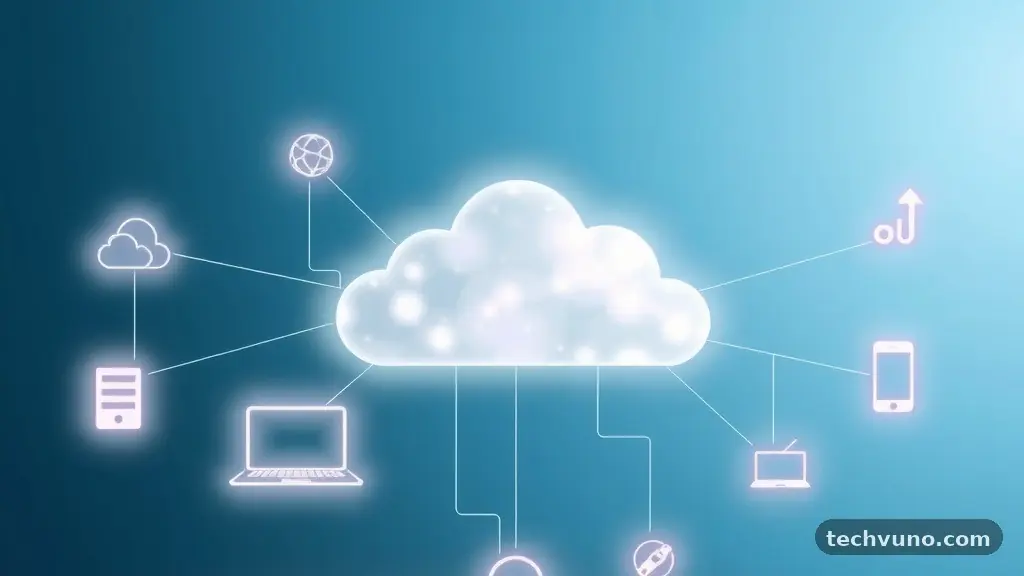
Learning about cloud computing? A simple guide for beginners is the best way to demystify the technology that powers your digital life. At its core, cloud computing is the delivery of computing services—including servers, storage, databases, networking, and software—over the internet.
Instead of buying, owning, and maintaining physical data centers and servers, you access these resources from a cloud provider on an as-needed basis. This shift from hardware ownership to a service-based model has fundamentally changed how businesses and individuals operate today. Understanding these basics will help you navigate the modern digital landscape with confidence and clarity.
Defining the Cloud
At its most basic level, cloud computing means storing and accessing data and programs over the internet instead of your computer’s local hard drive. When you save a photo to a service like Google Photos or edit a document in your web browser, you are using the cloud. You aren’t storing that information on your device’s physical memory; you are sending it to a secure server located elsewhere.
These servers are housed in massive, climate-controlled facilities managed by specialized companies. By moving data off-site, you gain the ability to access your files from anywhere in the world.
The “cloud” isn’t a single physical object or a mysterious floating entity. It is a vast network of physical servers spread across the globe that are connected to function as a single ecosystem. These providers manage the hardware, security, and maintenance of these systems so that you don’t have to.
You simply rent the capacity you need. This is similar to how you receive electricity from a utility company rather than generating it yourself with a personal generator.
How It Works for You
You interact with cloud services every single day, often without realizing it. When you stream a movie on a platform like Netflix, the video data isn’t stored on your television or smartphone. It is delivered to your device in real-time from a remote server via the internet.
This is a classic example of cloud computing in action. The provider handles the heavy lifting of processing and transmitting that data, while your device acts as the receiver and display.
This architecture relies on virtualization, a technology that allows a single physical server to be partitioned into multiple “virtual” servers. Each of these virtual machines can run its own operating system and applications independently. This maximizes the efficiency of the hardware, ensuring that computing power isn’t wasted.
Because these resources are virtualized, providers can quickly scale them up or down. If a website suddenly experiences a surge in traffic, the cloud system can automatically allocate more resources to handle the demand.
Key Service Models
The technology is generally categorized into three main service models, often referred to as the “stack.” Understanding these helps you see how different levels of technology are delivered. You can think of them as building blocks for modern digital infrastructure.
- Infrastructure as a Service (IaaS): This provides the raw building blocks like virtual servers, storage, and networking. It is the most flexible model and gives IT professionals total control over their environment.
- Platform as a Service (PaaS): This offers a framework for developers to build, test, and deploy applications without worrying about the underlying hardware. It simplifies the coding process significantly.
- Software as a Service (SaaS): This is the most common model for average users, providing finished applications like email or document editing tools directly through a web browser.
Comparing Cloud Service Models
To see how these models differ in terms of management and responsibility, look at the table below. The division of labor between you and the provider changes significantly based on which model you choose.
| Service Model | Managed by You | Managed by Provider |
|---|---|---|
| On-Premises | Everything | Nothing |
| IaaS | Applications, Data, OS | Servers, Storage, Networking |
| PaaS | Applications, Data | OS, Servers, Storage, Networking |
| SaaS | Nothing | Everything |
Why Organizations Shift to the Cloud
Businesses choose to migrate to the cloud primarily for cost efficiency and agility. Maintaining a private data center requires significant upfront capital investment in hardware and ongoing expenses for cooling, power, and security staff.
With cloud services, companies move to an operational expense model where they pay only for the resources they actually use. This eliminates the need for expensive hardware refreshes and allows businesses to experiment with new ideas without massive financial risk.
Another major driver is the speed of deployment. In a traditional setup, setting up a new server could take weeks of procurement, installation, and configuration. In the cloud, developers can spin up new resources in minutes.
This agility allows organizations to respond to market changes much faster than their competitors. You can find more detailed technical documentation on these concepts through the National Institute of Standards and Technology.
Major Providers in the Industry
The market for cloud services is dominated by a few massive players, often referred to as hyperscalers. These companies operate data centers across every continent to ensure low latency and high availability for their users. While there are many boutique providers, most enterprise traffic flows through a few key platforms.
AWS, or Amazon Web Services, is widely considered the pioneer of the modern cloud market and currently holds the largest market share. Google Cloud Platform and Microsoft Azure round out the top three.
Each of these providers offers a slightly different set of strengths, such as specialized artificial intelligence tools or deep integration with existing corporate software. Choosing a provider often comes down to which ecosystem a business is already using for its daily operations.
Security and Data Privacy
A common concern for beginners is the safety of storing data in the cloud. Many people assume that having data on their own hard drive is inherently safer than sending it to a remote server.
In reality, the security protocols used by major cloud providers are significantly more advanced than what the average person or small business could implement on their own. These companies employ thousands of security experts whose only job is to protect their infrastructure.
They use advanced encryption to scramble data while it is being stored and while it is moving across the internet. This ensures that even if someone intercepted the data, they would not be able to read it.
Furthermore, these providers offer tools for automatic backups and disaster recovery. If your laptop is lost, stolen, or destroyed, your data remains safe in the cloud and can be accessed from any new device.
The Future of Computing
As we look ahead, cloud computing is becoming the foundation for emerging technologies like artificial intelligence and machine learning. These advanced applications require massive amounts of computing power that would be impossible to run on a local machine.
By using the cloud, researchers and developers can train complex AI models in days rather than years. This accessibility is democratizing innovation, allowing small startups to compete with global corporations.
The rise of “serverless” computing is another major trend. In this model, the developer focuses entirely on writing code, while the cloud provider manages every aspect of the server environment invisibly.
This reduces the barrier to entry for new developers and speeds up the time it takes to get an application to market. As these technologies mature, the line between what happens on your device and what happens in the cloud will continue to blur.
Frequently Asked Questions
Is cloud computing easy to learn for a beginner?
Yes, it is very accessible. You can start by using common consumer tools like cloud storage and web-based email, then gradually learn more about the infrastructure behind them through free online tutorials provided by the major cloud platforms.
What is the biggest advantage of using the cloud?
The biggest advantage is scalability. You can instantly increase or decrease your computing power based on your immediate needs, which saves money and prevents performance issues during high-traffic periods.
Do I need a fast internet connection for cloud computing?
While a fast connection improves the experience, modern cloud services are designed to be efficient. Most applications perform well on standard broadband, though heavy tasks like video editing in the cloud will require higher bandwidth.
Is my data safer in the cloud than on my computer?
For most individuals, yes. Cloud providers offer enterprise-grade encryption, physical security, and redundant backups that are far more robust than the typical security measures used on a personal home computer.
What is the difference between the internet and the cloud?
The internet is the network of cables and connections that links computers globally. The cloud is a set of services and resources—like servers and software—that live on those connected computers and are accessed via the internet.
Understanding the Cloud
Grasping the fundamentals of this technology is the first step toward feeling comfortable in a digital-first world. By recognizing that cloud computing is simply a way to access powerful resources over the internet, you remove the mystery surrounding the term.
Whether you are using it to back up your personal photos or to power a complex business application, the principles remain the same. Providers handle the heavy lifting, giving you the flexibility and security you need to work efficiently.
As you continue your journey with cloud computing? A simple guide for beginners was just the beginning. You might consider exploring specific platforms or learning how to manage your own cloud-based projects.
The tools are available, the resources are growing, and the potential for what you can build is nearly limitless. Feel free to dive deeper into specific services or ask questions as you experiment with these powerful, accessible technologies.